Follow along with the video below to see how to install our site as a web app on your home screen.
Note: This feature may not be available in some browsers.
We value your experience with Plesk during 2025 Plesk strives to perform even better in 2026. To help us improve further, please answer a few questions about your experience with Plesk Obsidian 2025. Please take this short survey: https://survey.webpros.com/
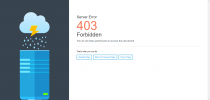
Whenever I Want To Change Permalinks Settings, The Site Shows "Server Error 403 Forbidden You do not have permission to access this document." I Also Changed Files Permission in File Manager, And Had Block ModSecurity. But Problem Cannot Solved.
Yes same Problem here.
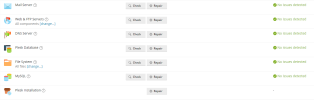
I even tried in Settings under Diagnosis and repair and everything was fine....
Even double checked my index.html and everything worked fine....