
 Facebook
 Twitter
-
We value your experience with Plesk during 2025
Plesk strives to perform even better in 2026. To help us improve further, please answer a few questions about your experience with Plesk Obsidian 2025.
Please take this short survey:
https://survey.webpros.com/
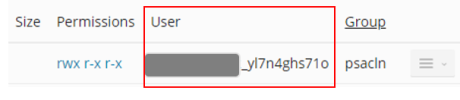
Issue username and file permissions
- Thread starter Ayki
- Start date

 gave it a like
Similar threads
